
Point Isabel ISD
Class, Dignity, and Pride
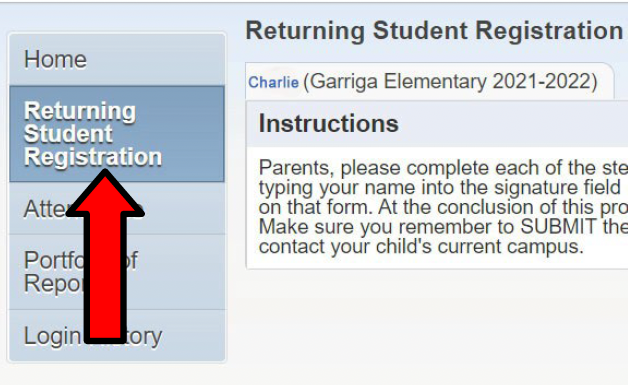
Login to Skyward Family Access and Complete the Online Registration Process.
Go to your Skyward Family Access App or click here into a browser on a computer and enter your Point Isabel ISD Skyward Family Access username and password.
Update parent contact information, health related questionnaire, parent acknowledgement forms, etc.
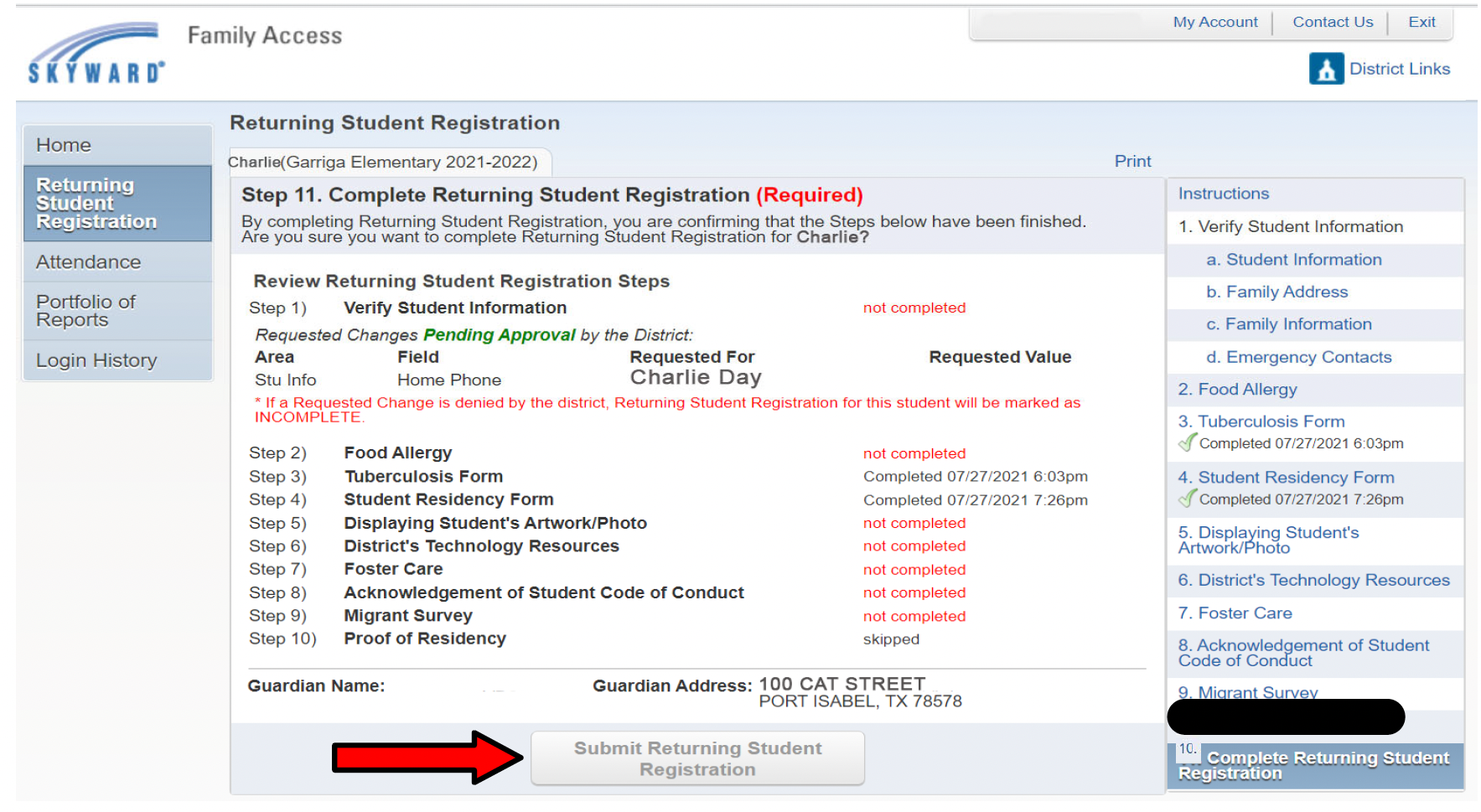
Once all steps are completed , the final step will be to press the “Submit Returning Student Registration” button. Please remember that if you don’t press this button, the registration will not be processed.
If you cannot log in to Skyward Family Access, please reach out to your campus.